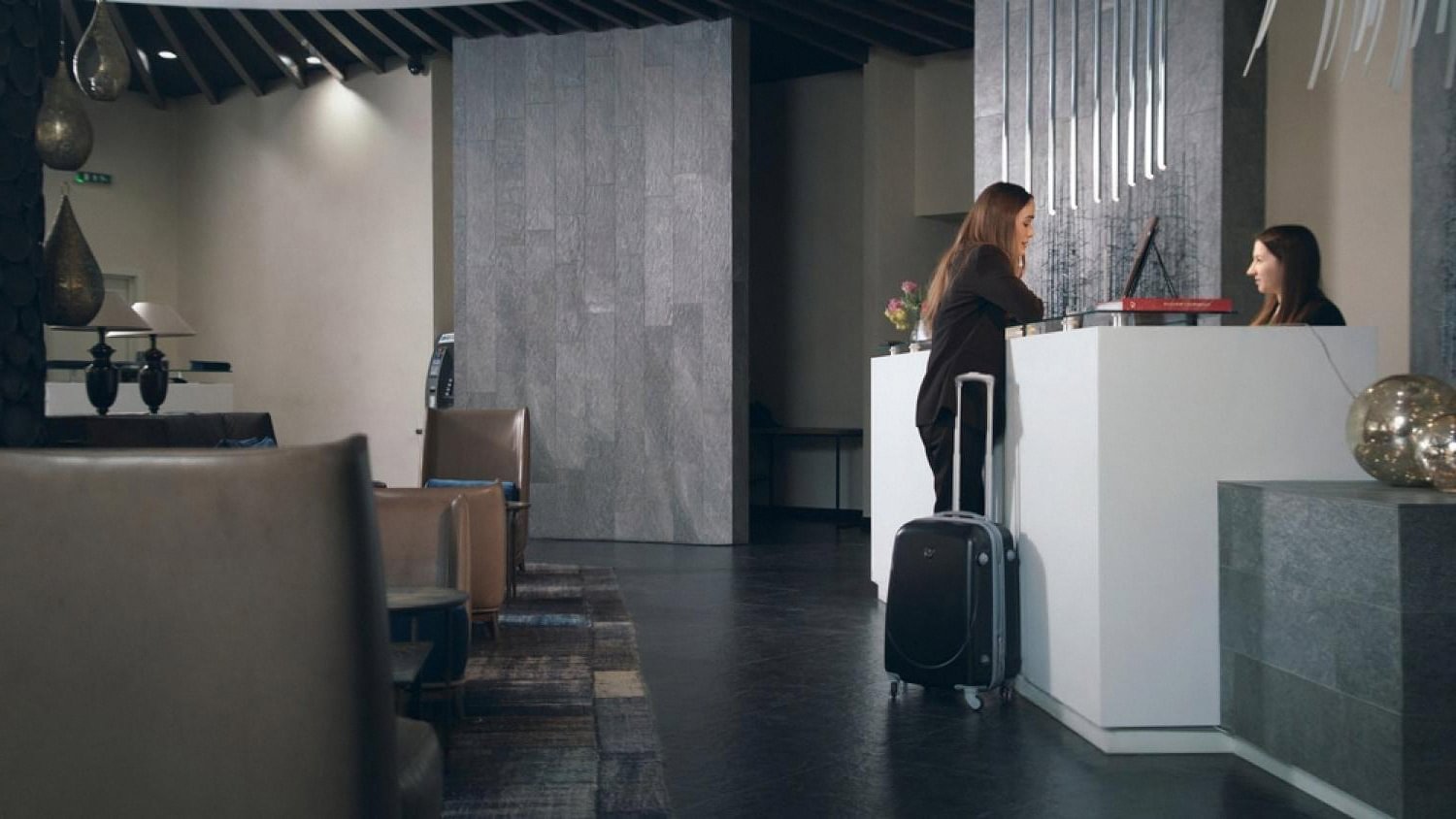
What Happens If Your Phone Dies Before Mobile Hotel Check-In?
Mobile check-in is convenient until the battery icon turns red. If your phone dies before you can tap the confirmation, scan the QR code, or open the digital key, you are not stuck outside your room. Below is a quick reference of what actually happens at most US hotels, followed by two situations where the details matter most.
Dead phone scenarios at US hotel check-in
| Situation | Can you still check in? | What the hotel does |
|---|---|---|
| Phone dies before arrival, booking confirmation on phone | Yes | Front desk looks you up by name, photo ID, and credit card on file. |
| Phone dies in the lobby while opening the app | Yes | Agent switches you to a standard desk check-in and issues a plastic keycard. |
| Only the mobile confirmation email exists, no printout | Yes | ID plus the card used to book is enough at every major US chain. |
| Digital room key on dead phone after check-in | Yes | Front desk prints or encodes a physical keycard, no fee at most brands. |
| Traveling companion has a working phone | Yes | Primary guest still needs to present ID, but companion’s phone can display the reservation. |
| Phone dies and you have no ID (rare edge case) | Sometimes | Manager may verify by security questions, card imprint, or a call to the booking channel. |
What US front desks actually do when your phone is dead
Every major hotel brand in the United States, Marriott, Hilton, Hyatt, IHG, Choice, and Wyndham, is required to keep a staffed front desk that can complete a manual check-in. Even properties that market themselves as “contactless” fall back to a human agent when the app path breaks. The Property Management System (PMS) already has your reservation the moment the booking is made, so the app is only a shortcut, not the only door in.

In practice, three things are enough almost everywhere: a government-issued photo ID, the credit card used to guarantee the reservation, and the guest name on the booking. If your confirmation number lives only on a dead phone, the agent can search by last name plus check-in date and pull the record in seconds. Chains that use mobile check-in solutions for hotels also mirror those bookings on the desk terminal, which is why staff never really needed the app screen you were trying to show them.
A real example: a guest arrived at a Hilton Garden Inn near Chicago O’Hare after a 12-hour flight from Frankfurt, phone completely dead, printed nothing. The front desk agent asked for her passport, ran the card on file, and had her in the room in under four minutes. She only found her app confirmation the next morning after charging her phone.
When the dead phone is your room key
Digital keys are the trickier case, because the key lives on the device, not on a server. If you already checked in through the app and the phone dies in the hallway, you cannot open the door until you either revive the phone or get a physical key. The good news: hotels solved this problem years ago. Walk back to the front desk, give your name and ID, and staff will encode a standard plastic keycard on the spot. Most US brands do this at no charge and treat it as a routine request.
Two real situations worth knowing about. On a road trip through Utah, a couple realized halfway to Moab that they had left the charger at home. Their Marriott Bonvoy digital key stopped working the moment the phone shut off in the lobby. The desk issued two plastic cards, no questions asked, and offered a loaner cable from the lost-and-found bin. In another case at an Aloft in Austin, a guest whose battery died while waiting for late check-in was given a courtesy charging station behind the desk and a plastic key while she waited. Front desk teams see this every single day, especially at airport hotels.
The recommendation
Treat mobile check-in as a convenience, not a requirement. Before you leave home, screenshot your confirmation number, keep a physical credit card and photo ID in your wallet, and pack a small power bank. If your phone dies, walk to the front desk, say your last name, and hand over your ID. That’s the whole recovery plan.
Small habits that prevent the whole problem
- Save a screenshot of your reservation to your phone’s lock screen or your travel companion’s phone.
- Carry a 5,000 mAh power bank in your day bag, especially on flight days.
- Note your confirmation number in a physical notebook or password manager that syncs offline.
- If a companion is on the booking as a second guest, add their name at time of reservation so either of you can check in.
- Ask at the desk whether the property offers a plastic key as a default backup, most do, for free.
According to the American Hotel and Lodging Association staffed front desks remain standard across full-service and select-service brands in the US, which is why the dead-phone scenario rarely turns into a real emergency. The technology is a layer on top, not a replacement.
Frequently asked questions
Will the hotel cancel my booking if I can’t use the app to check in?
No. Your reservation lives in the hotel’s system the moment it is booked, whether that was through the app, a website, or a travel agent. The app is only one way to complete arrival paperwork. If you skip it, the front desk simply processes you the traditional way with ID and the card on file.
Can I just walk up to the front desk and show my ID?
Yes, and this is the fastest recovery when your phone is dead. Give your last name, hand over a government-issued photo ID, and present the credit card used to make the booking. In most cases you’ll have a plastic key in your hand within five minutes.
What if my booking confirmation is only on my dead phone?
You don’t need the confirmation number itself. Hotels can search by last name, arrival date, and ID. The confirmation code is helpful but not required. If you booked through a third party like Expedia or Booking.com, the property still has a copy of the reservation on its own system.
Can my travel companion use their phone to check us in?
Yes, as long as they can pull up the reservation, which usually only requires being logged into the same loyalty account or having the confirmation email forwarded. The primary guest on the booking still needs to present ID at the desk, but the companion’s phone can display anything the app would normally show.
What happens if my phone dies after check-in and my room key is digital?
Return to the front desk with your ID. Staff will encode a standard plastic keycard on the spot, usually for free. Digital keys are stored on the device, so a dead phone means no key until it charges, but a physical replacement bypasses the problem entirely.
Do hotels charge for a plastic key if I originally chose the digital one?
At every major US chain the answer is no. Plastic keycards are the default backup and are considered part of standard service. If any property tries to charge for one, ask for a manager, it’s not a brand-approved policy.
Can the front desk charge my phone while I wait?
Many can. Airport hotels and larger urban properties often keep a small collection of charging cables behind the desk, and some have public charging stations in the lobby. It’s worth asking, especially if you have a common connector like USB-C or Lightning.

Basketball fan, ramen eater, fender owner, Eames fan and creative consultant. Acting at the nexus of minimalism and purpose to save the world from bad design. I work with Fortune 500 companies and startups.